
Inheriti® encrypts your data in your own browser, before anything leaves your device. Our servers never hold a key and they never hold your data. That is the whole point of the design, and it has one consequence: for a moment, in the page in front of you, your secrets are readable.
You did not build that browser and you cannot look inside it. Inheriti® Guard can. It watches browser traffic while the page is open, and tells you whether the coast is clear.
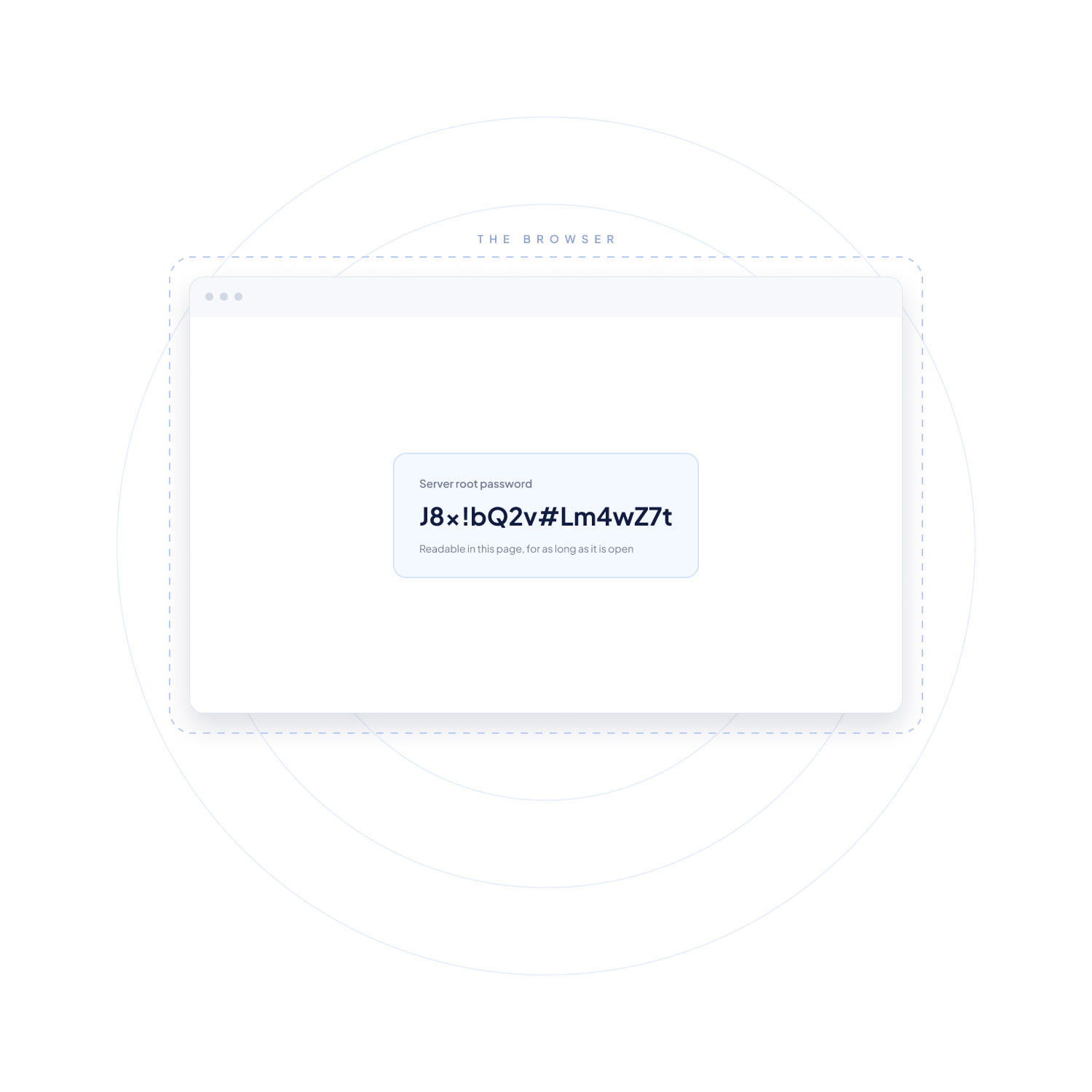
Inheriti® Guard runs in the background of your browser and keeps three routes shut: the domains your browser may reach, the code the page may run, and the browser functions that can reach into it.

Inheriti® Guard keeps your browser talking to the trusted and verified domains that belong to Inheriti®. Harmful redirects, data leaking to somewhere else and tracker calls never get their connection.

Inheriti® Guard enforces a Content Security Policy on the page. It decides which content the page may load, so a malicious script from an untrusted source has nothing to attach to.

Inheriti® Guard shuts the browser functions a page has no business using while you work: location, camera, microphone, clipboard, battery status and background notifications.
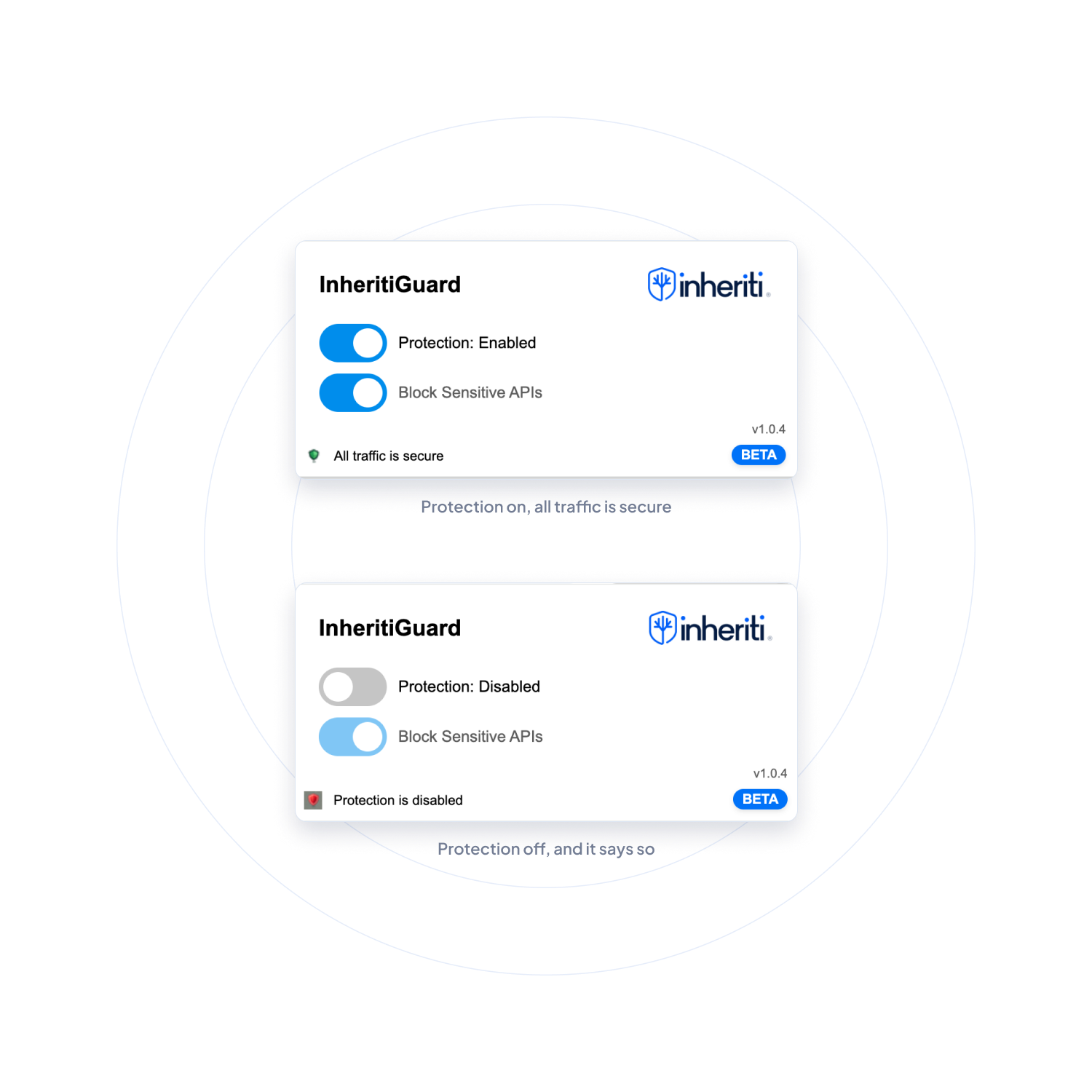
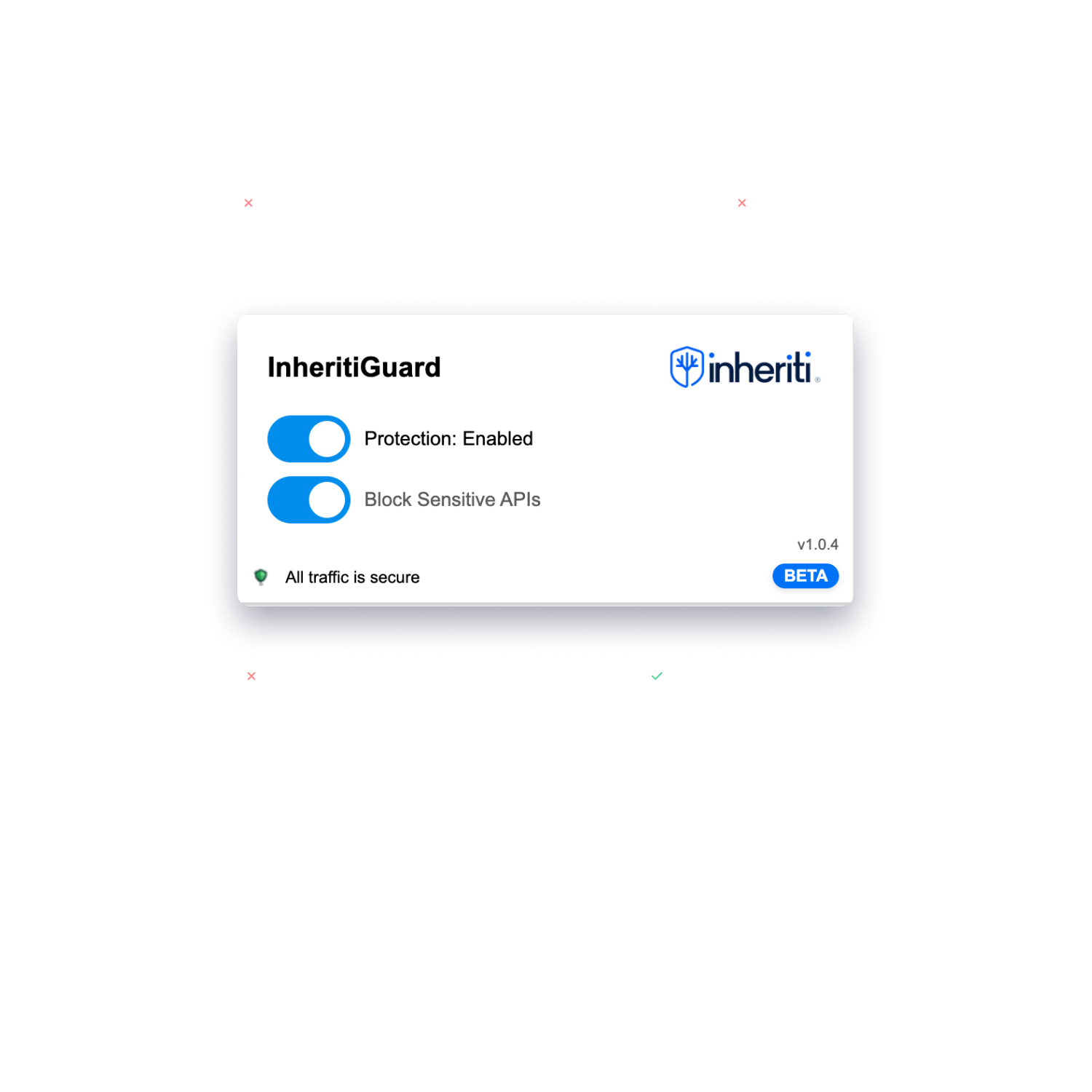
Open the Inheriti® Guard panel and you see one line: all traffic is secure, or protection is disabled. Nothing to read, nothing to work out.
Two toggles sit with it. One turns protection on and off, the other turns sensitive API blocking on and off. Under them, the version you are running. That is the whole panel.
Inheriti® Guard monitors limited network activity, for security purposes only. No typed or personal input is collected.
There is no account behind it and no dashboard to keep up with. A panel with two toggles and a status line, and an eye on browser traffic. That is all of it.
What Inheriti® Guard does in your browser, and what it leaves alone.
What it is, which browser it works in, and what it monitors.
One click from the Chrome Web Store. From then on it watches your browser traffic while you work.

 Nederlands
  Français
  Español
  Deutsch