 Nederlands
  Français
  Español
  Deutsch
Be honest: does your company have one? A spreadsheet with logins in column A and passwords in column B. Maybe it is called passwords.xlsx. Maybe it hides as “accounts overview” or “logins 2024 FINAL”.
Storing passwords in spreadsheets survives every security briefing for one reason: it is convenient. It is also the single most useful thing an intruder can find. Nobody breaks encryption first. They search for files exactly like this one.
Leave nothing readable for an intruder to find
The spreadsheet is one member of a family. The same object lives all over your company:
- The notebook in a drawer with the important codes, kept offline “for safety”.
- The handover document a departing colleague wrote, with every login they managed.
- The notes app on a phone, holding banking codes behind a four-digit lock.
- The email thread where someone sent credentials three years ago, still in two mailboxes and every backup of them.
- The sealed envelope in the safe, the analogue version of the same idea.
Each is a plaintext artefact: an object that contains the secret, readable in full by whoever holds it. The secret exists as a thing, and things get taken.
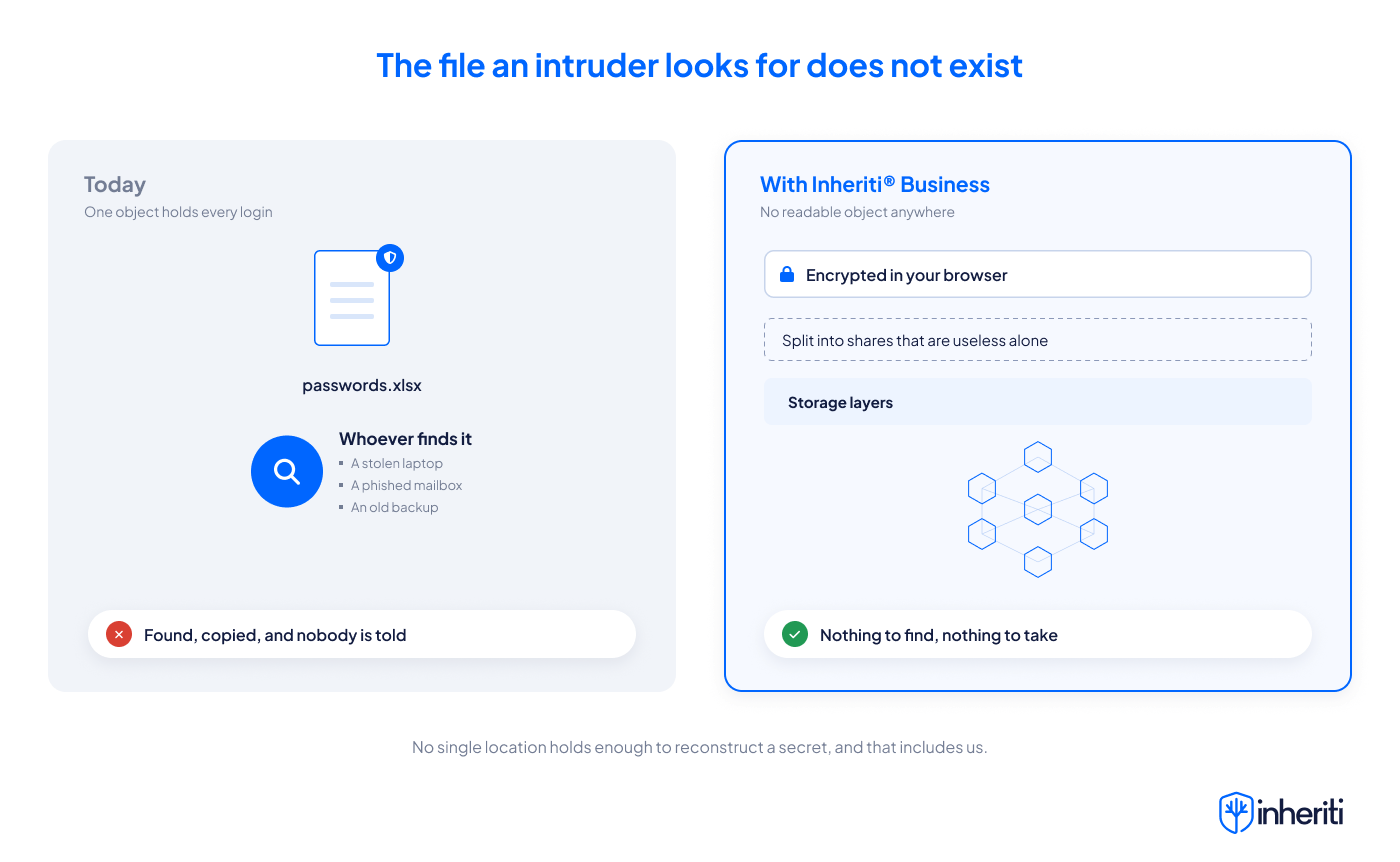
With Inheriti® Business there is no such thing to take. A credential is encrypted in your own browser before it goes anywhere, then split into shares that are useless on their own, spread across separate storage layers. Since the protocol was extended this covers files and media too, so the contract and the scanned document are protected the same way.
The intruder searching your drives for passwords.xlsx finds nothing, because nothing is there.
Stop making copies you can never count
An artefact has a life of its own, and none of it is yours to control.
It gets downloaded to a laptop to work offline. Synced to a personal cloud. Attached to one more email. Every copy is a complete duplicate of every key you own, and you cannot say how many exist right now.
In Inheriti® Business the secret is not sitting in a document at all. A member with access opens it inside the app, and their access is checked against their team membership at that moment. Where it matters you can require other members to approve first, and every opening is recorded, so you know how often it happened and by whom.
Find out from your audit trail, not from the damage
Here is the part that should worry you most about a file: when it leaks, you learn nothing. Copying a file raises no alarm. The first sign is usually the damage, months later.
Every request, approval, denial and reveal lands in your organisation’s audit trail. When an auditor, a client or an incident asks who opened what and when, you hand over the record instead of a guess.
Nothing that keeps working after someone leaves
The file you made in 2022 still opens whatever was never rotated. Old copies in old backups stay dangerous for years, and the people who once held them do not forget.
When someone leaves a team, their access ends with the membership. Their share records are marked invalid, and rotating a secret purges the old ciphertext. A leftover share on a departed laptop is inert: it cannot be authorised, and it cannot be served.
Not even we can open it, so there is no vault to break into
The obvious question: the file is gone from my systems, but did the pieces not simply move to yours?
No. The shares are spread so that no single location holds enough to reconstruct anything, and that includes us. The organisation key that guards your plans is derived in your browser and never reaches our servers. Getting a secret back out needs several things at the same time: being an authorised member of the right team at that moment, the organisation key, the distributed shares, and the approvals you set on the plan. That is access management enforced by cryptography and policy together, not a tidier folder for your file.
The honest comparison is not “your file versus our file”. It is one readable object in one place versus no readable object anywhere.
What Inheriti® Business does about it, and why you need it
A spreadsheet is not risky because it is a spreadsheet. It is risky because it is readable, and reading it leaves nothing behind.
Inheriti® Business removes the readable object:
- The file stops existing. Credentials are encrypted in your browser and split into shares distributed across multiple storage layers, so no single place holds enough.
- Using a credential no longer means copying it. Access follows team membership and ends when that membership ends.
- Opening leaves a trace. Requests, approvals and reveals are logged with the person, the role and the time.
- A leak stops being silent. You find out from a record instead of from the damage.
- A breach anywhere gives up pieces, not a complete list, because no location holds a whole secret.
The spreadsheet was never the problem to be organised. It was the problem to be removed.
Retire the spreadsheet this week
A plan that fits in a week and disrupts nobody.
Day one, collect. Search drives and mailboxes for the obvious candidates and ask team leads where “their” list lives. You are not auditing, you are collecting.
Day two, move. Put the contents into protection plans in See how Inheriti® Business works, organised by team: finance credentials with finance, infrastructure with IT. Set the approvals that fit each one. If a list was passed around first, read what shared passwords cost and rotate the worst ones.
Day three, delete. The files, the old email threads you can reach, the page in the notebook. This step is the one that counts: the move is only finished when the readable copies are gone.
From then on, the first thing an intruder looks for is not there. Discover Inheriti® Business and make passwords.xlsx a file your company used to have.